Game guide — DreamLyra
Roblox auto piano: play any song on an 88-key Roblox piano
DreamLyra plays MIDI songs on Roblox piano games for you. It uses the common 88-key layout, with Shift for black keys, so you get both hands and the full range.
Download for Windows
- Windows 10 / 11 PC
- 3-day free trial
At a glance
- Key profile in DreamLyra
- Roblox Piano - 88 Key
- Keys
- 88 (full piano)
- Range
- A0 to C8
- Runs on
- Windows 10 / 11 PC
Which key plays which note
The profile follows the common keyboard layout that many Roblox pianos show on screen.
| Keyboard keys | Notes |
|---|---|
| 1 2 3 4 5 6 7 8 9 0 · Q to P · A to L · Z to M | White keys from C2 to C7 |
| Shift + the key to the left | Black keys (sharps and flats) |
| Ctrl + key | The 15 lowest notes (A0 to B1) and the 12 highest (C#7 to C8) |
Play your first song in Roblox
- 01
Open the instrument in Roblox
Open the instrument screen and press a few keys by hand to check that it makes sound.
- 02
Choose the key profile
In DreamLyra, choose Roblox Piano - 88 Key from the KEY MAPPING PROFILE list.
- 03
Pick a song
Find a song in the built-in store, or click SELECT MIDI FILE to open a MIDI file you already have.
- 04
Press play and switch back
Set START DELAY to 3 or 5 seconds, press play, then switch back to Roblox before the countdown ends. Press F8 in the game to pause or resume.
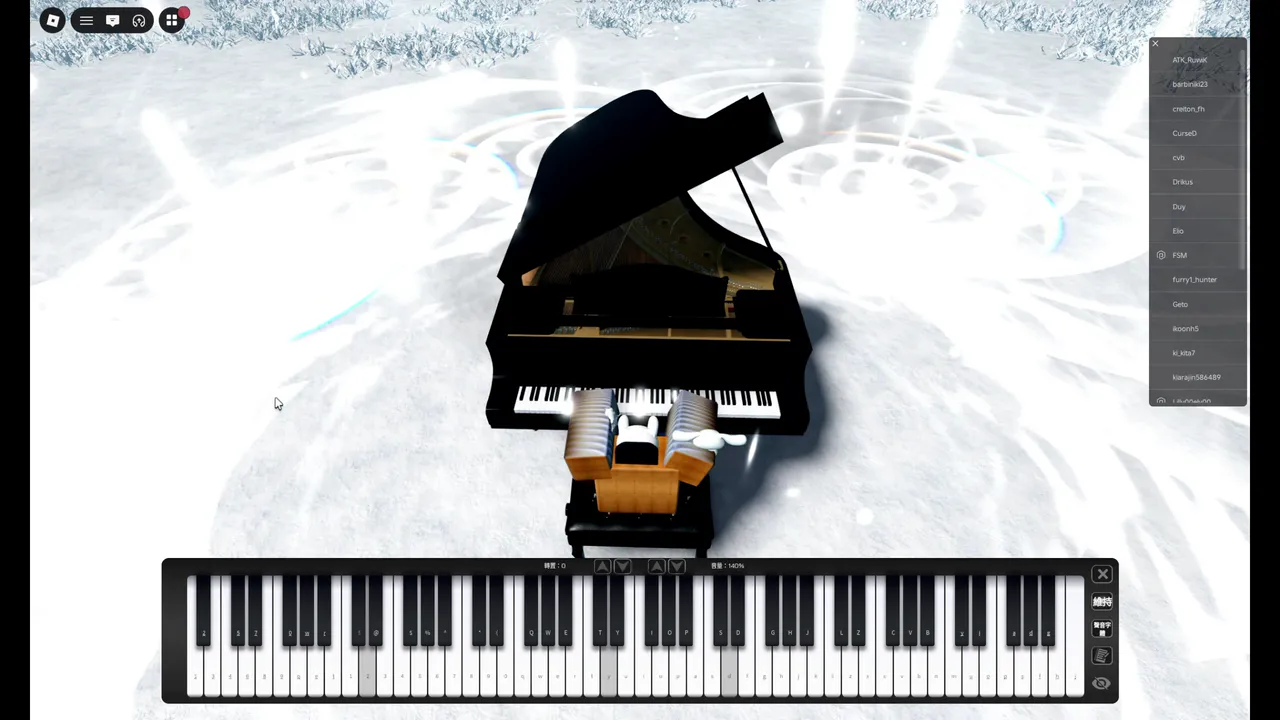
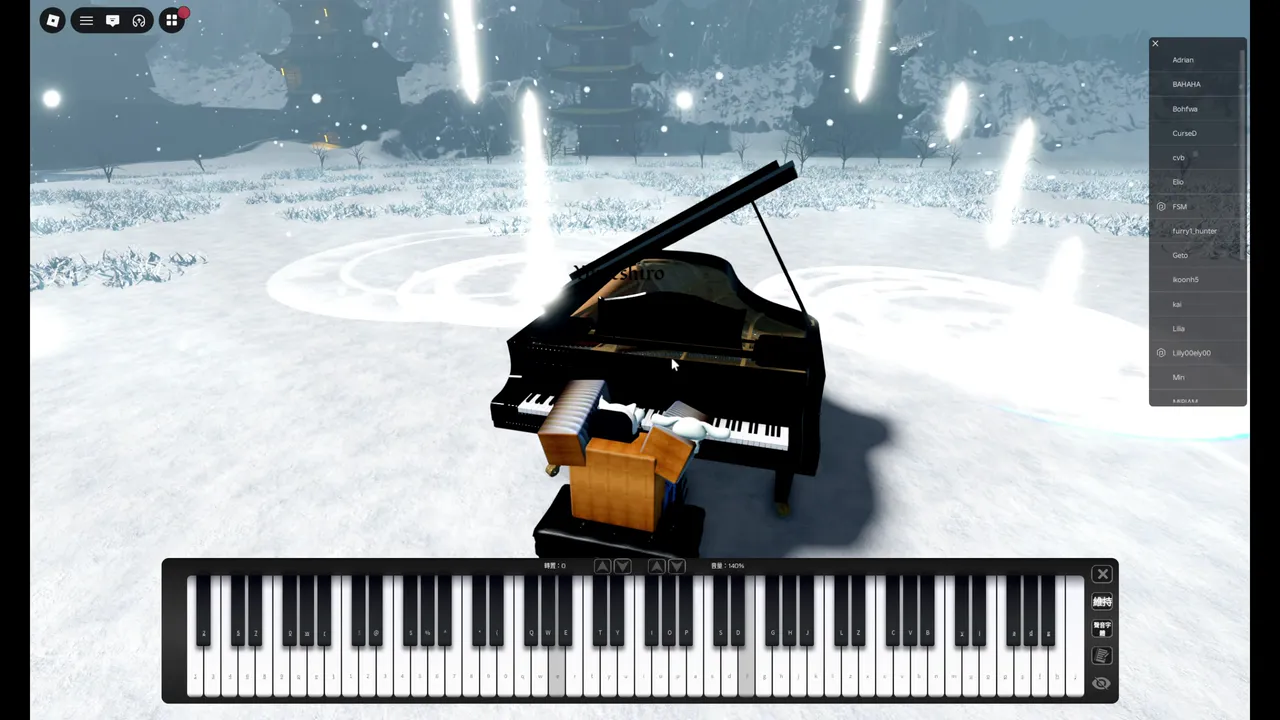
Played in Roblox with DreamLyra
Tips for Roblox
- Close the chat box before you press play. Otherwise the keys are typed into chat.
- If a piano in your game uses different keys, change those keys in KEY SETUP and save the profile.
Questions
- Do I need AutoHotkey or a script?
- No. DreamLyra reads the MIDI file and presses the keys for you. There is no script or macro to write.
- Does it work on phone, Mac or console?
- No. DreamLyra is a Windows 10 / 11 program, so it plays Roblox on a Windows PC only.
- Is it free?
- You can try it free for 3 days. After that, a lifetime license keeps it running. Songs in the store are bought separately with credits, and some are free.