Game guide — DreamLyra
Heartopia auto piano: let any song play in town
DreamLyra plays MIDI songs on Heartopia instruments for you. Choose the layout that matches your instrument, switch back to the game, and the melody plays itself.
Download for Windows
- Windows 10 / 11 PC
- 3-day free trial
At a glance
- Key profile in DreamLyra
- Heartopia - 22 Key (Semitone)
- Keys
- 22-key piano with semitones, or 15 keys
- Range
- C3 to C6 (22 Key) · C4 to C6 (15 Key)
- Runs on
- Windows 10 / 11 PC
Which key plays which note
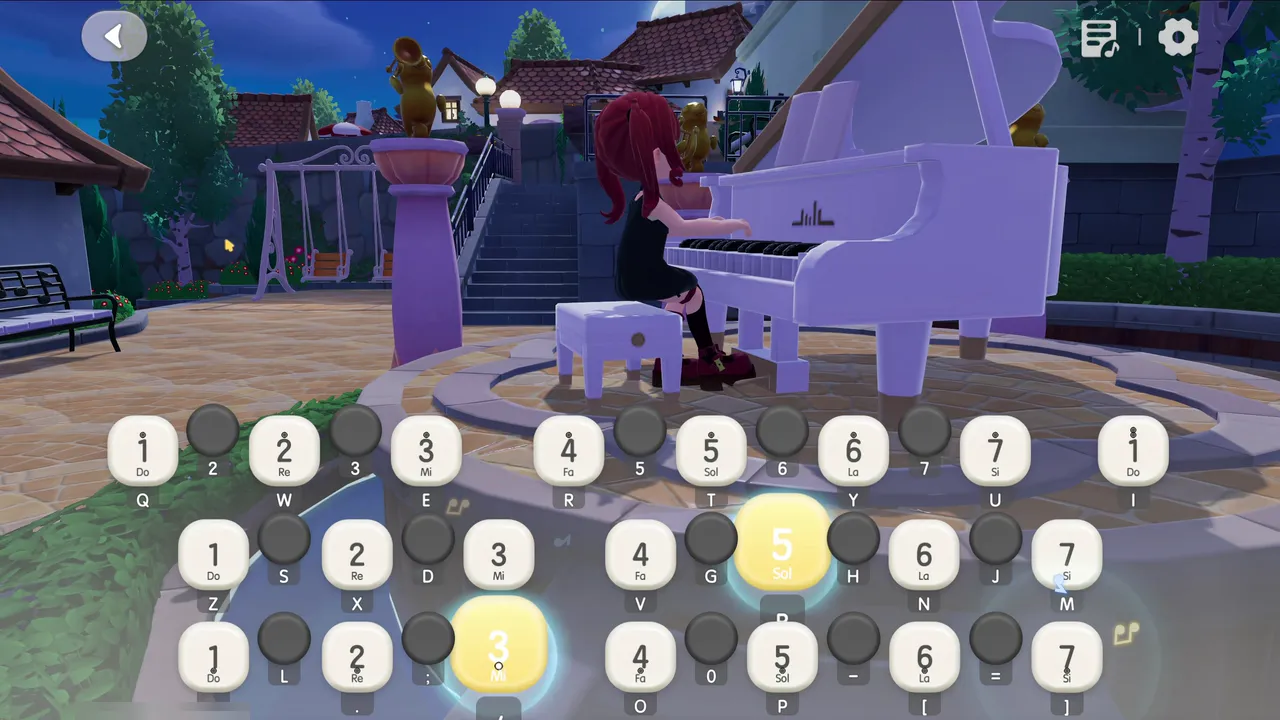
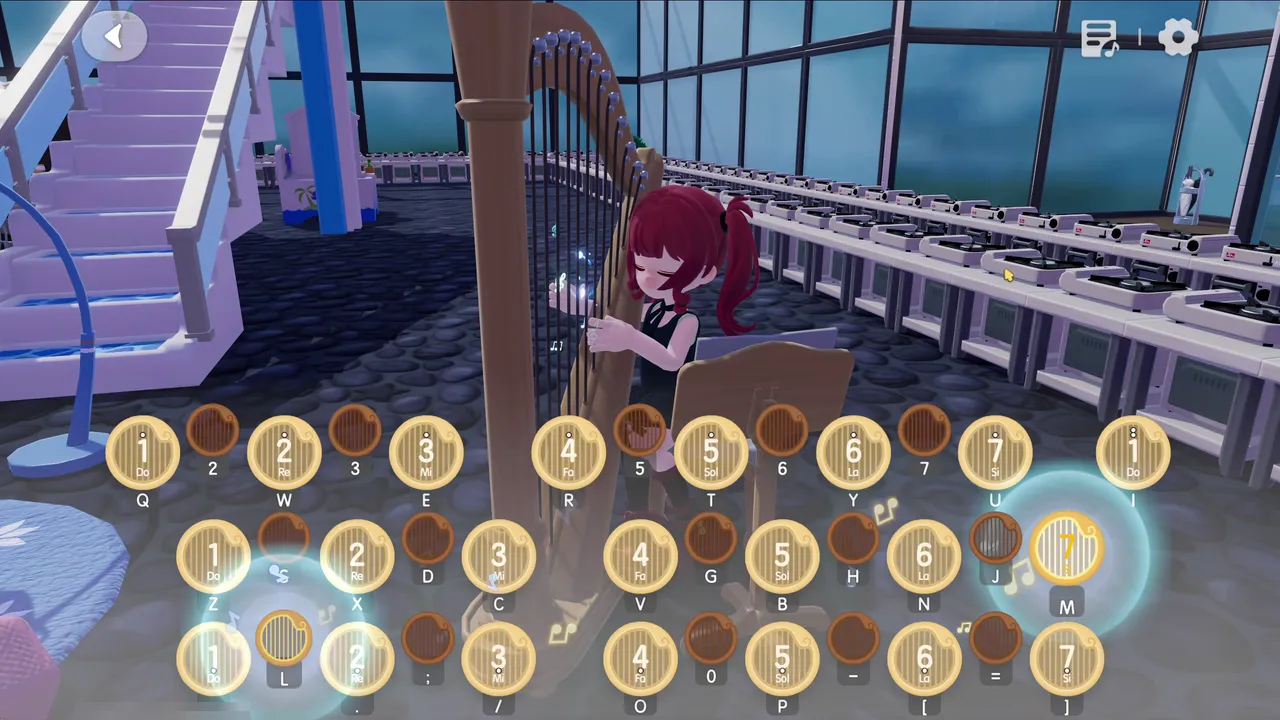
Heartopia - 22 Key (Semitone) uses three octaves plus the black keys. Heartopia - 15 Key uses two rows.
| Keyboard keys | Notes |
|---|---|
| Q W E R T Y U I | C5 to C6 (both) |
| Z X C V B N M | C4 to B4 (22 Key) |
| , . / O P [ ] | C3 to B3 (22 Key) |
| 2 3 5 6 7 · S D G H J · L ; 0 - = | Black keys: C#5–A#5 · C#4–A#4 · C#3–A#3 (22 Key) |
| A S D F G H J | C4 to B4 (15 Key) |
Play your first song in Heartopia
- 01
Open the instrument in Heartopia
Open the instrument screen and press a few keys by hand to check that it makes sound.
- 02
Choose the key profile
In DreamLyra, choose Heartopia - 22 Key (Semitone) from the KEY MAPPING PROFILE list.
- 03
Pick a song
Find a song in the built-in store, or click SELECT MIDI FILE to open a MIDI file you already have.
- 04
Press play and switch back
Set START DELAY to 3 or 5 seconds, press play, then switch back to Heartopia before the countdown ends. Press F8 in the game to pause or resume.
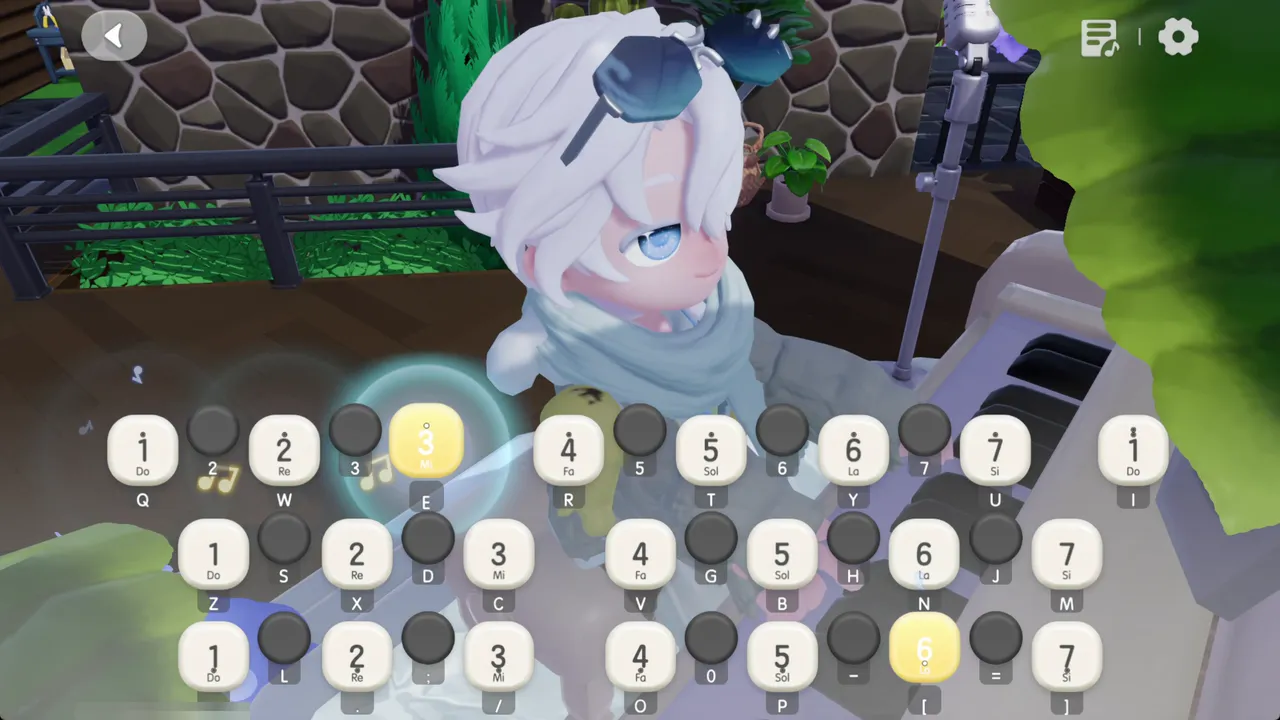
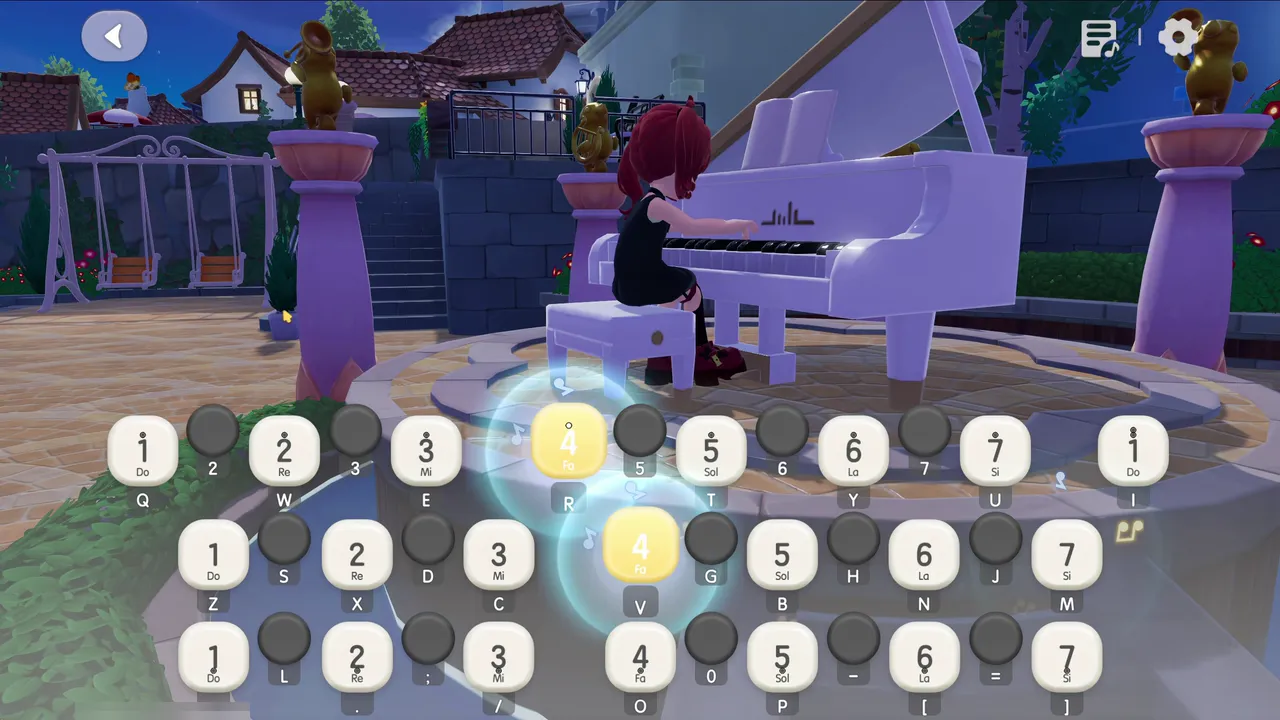
Played in Heartopia with DreamLyra
Tips for Heartopia
- If your instrument shows 15 keys, choose Heartopia - 15 Key instead.
- Not sure a song fits? Click the Key button next to KEY. It rates every key for the current layout, and Auto picks the best one.
Questions
- Do I need AutoHotkey or a script?
- No. DreamLyra reads the MIDI file and presses the keys for you. There is no script or macro to write.
- Does it work on phone, Mac or console?
- No. DreamLyra is a Windows 10 / 11 program, so it plays Heartopia on a Windows PC only.
- Is it free?
- You can try it free for 3 days. After that, a lifetime license keeps it running. Songs in the store are bought separately with credits, and some are free.